Car Says Key Not Detected? 6 Things to Check First
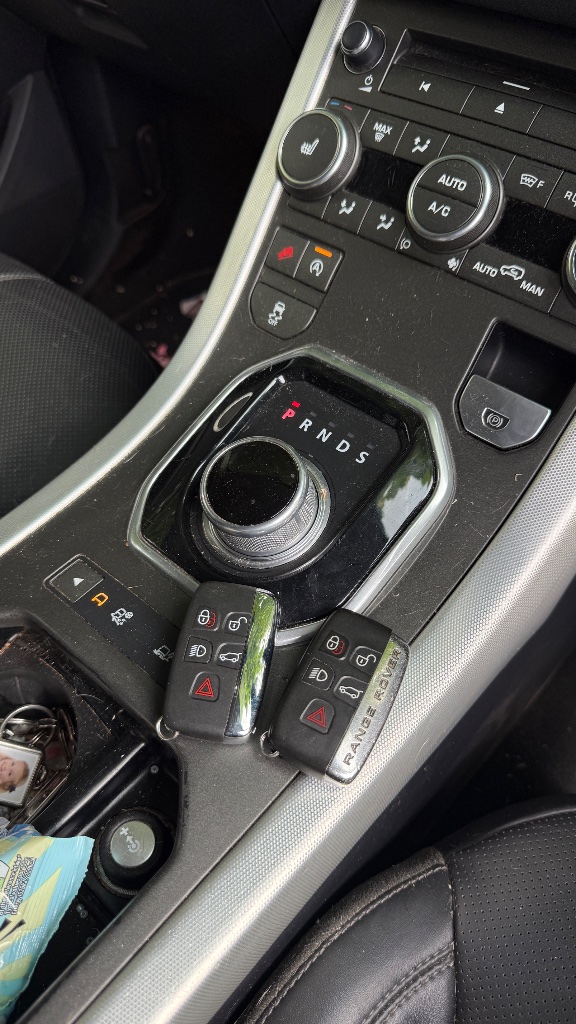
The quickest way to narrow the fault down is to try the spare key, use your vehicle’s documented backup key-sensing method, check the smart-key battery where applicable and consider the vehicle’s 12V battery.
What Should I Try First?
Try the Spare Key
If you have a spare key, try it before buying parts or attempting programming.
If the spare works normally while the main key does not: the vehicle has demonstrated that it can still recognise an authorised key. That makes the original key much more likely to be the source of the problem.
If neither previously working key is detected: the vehicle battery, smart-key receiver or antennas, wiring or vehicle security system become more important suspects. Report recent electrical work, a flat battery or jump start, and have diagnostic trouble codes checked before buying another key.
If only the main key fails, its battery, contacts, transmitter or internal electronics may need attention. Assessment determines whether battery replacement, repair or a replacement key and programming is appropriate; repairability is not guaranteed.
Try the Manufacturer's Backup Key-Sensing Method
Many push-button-start vehicles have a backup method for recognising the smart key when normal wireless detection is unavailable. This is one of the most useful diagnostic checks you can carry out.
Depending on the vehicle, the backup transponder or sensing antenna may be located:
- in or behind the Start/Stop button
- immediately next to the Start/Stop button
- at a marked sensing area on the steering column
- in a key slot
- inside the centre console
- near a cupholder or storage compartment
- at another manufacturer-designated point
The exact sensing position is vehicle-specific. Check the handbook under “emergency start”, “backup start”, “passive key backup position” or “key sensing area” rather than trying random dashboard positions.
For example, some Hyundai and Kia smart-key systems instruct the driver to press the Start/Stop button using the smart key itself when "Key Not Detected" is displayed. Other manufacturers use a different sensing location.
Why this test matters: If the vehicle starts when the key is placed against the correct backup sensing area but does not detect the key normally from your pocket or elsewhere in the cabin, that is a useful diagnostic clue. Possible causes then include a weak smart-key battery, failure of the key's normal RF communication, damaged smart-key electronics, a vehicle interior antenna or receiver fault, or interference.
Important: The backup method working does not prove that the key battery is definitely flat or that programming is needed. It proves that the vehicle can still authenticate the key through its fallback method. Tell the locksmith exactly where you hold the key and whether this works reliably.
Check the Smart-Key Battery Where Applicable
If the vehicle uses a smart or proximity key, fit the correct battery and make sure it is installed with the correct polarity.
On smart or proximity keys, the coin-cell battery powers the normal remote and proximity communication system, so a weak battery can reduce detection range or cause intermittent detection.
Critical distinction: This is different from many conventional bladed or transponder keys. On many of those keys, the immobiliser transponder used for engine starting is passive and does not rely on the remote-button battery.
If the warning appeared immediately after a battery change, check the battery type and polarity, seating, bent contacts and casing assembly, and try a known-good battery. Replacing a normal smart-key coin cell does not usually require reprogramming.
Do not assume that changing the remote battery will fix every immobiliser-recognition problem — it depends on the key type.
Check the Vehicle 12V Battery
If the vehicle battery has recently gone flat, needed a jump start or is showing other electrical symptoms, check its condition before assuming the smart key needs replacing.
Useful related symptoms include:
- slow cranking
- dim lights
- multiple warning messages
- electronics resetting
- recent jump start
- battery recently completely discharged
Low or unstable vehicle voltage can cause electronic systems to behave abnormally, including key detection. If both keys worked before a flat battery or jump start and now fail similarly, prioritise vehicle-side checks. Do not disconnect and reconnect the battery as a universal fix; this can cause other issues on some models.
Remove Possible Interference
Move the smart key away from other keys, electronic devices, metal cases and wireless accessories and try again. This is a secondary check — radio-frequency interference is not the most common cause, but it can occasionally prevent normal smart-key communication.
If It Still Fails, Diagnose Rather Than Guess
If the spare-key test, correct smart-key battery and manufacturer backup sensing method do not resolve the problem, diagnosis is more useful than repeatedly replacing or reprogramming keys. The key and vehicle should be assessed with the right equipment before any parts are bought.
What does “Key Not Detected” actually mean?
Key Not Detected is a symptom — not a diagnosis.
A new key, reprogramming, a key battery or a vehicle repair could all be possible depending on what is actually failing.
The vehicle expects to detect an authorised smart or proximity key but is not receiving its normal response. This does not automatically mean lost programming, an immobiliser fault, a flat key battery, a failed module or that a replacement key is required.
Further checks establish whether the problem is key-side, vehicle-side or related to normal wireless detection.
Manufacturers may display separate warnings such as “Low Key Battery”, “Key Not in Vehicle”, “Key Not Detected” and “Check Smart Key System”. These messages should not automatically be treated as meaning the same thing.
Why Does My Car Say Key Not Detected?
1. Weak or Dead Smart-Key Battery
On smart or proximity keys, a weak coin-cell battery can reduce normal communication range or cause intermittent detection.
Possible patterns include:
- key works only very close to the vehicle
- Key Not Detected appears intermittently
- backup sensing or start procedure still works
- remote range has reduced
- warning appeared after months or years on the same battery
These symptoms do not prove the battery is faulty — they are patterns that can be associated with a weak battery.
2. Key Outside or in a Poor Detection Position
Smart-key systems only operate within defined detection areas. The key can sometimes be physically inside the car but positioned where detection is poor.
Examples can include:
- in a bag or case
- in the luggage area
- close to metal objects
- at the edge of the cabin
- near other electronics
Detection distances vary by vehicle, so fixed distances are not given here.
3. Damaged Smart-Key Electronics
Possible causes include:
- water ingress
- impact or drop damage
- circuit-board damage
- failed transmitter electronics
- damaged battery terminals
- poor internal contact
If the spare key works perfectly and the suspect key does not, this becomes considerably more likely.
4. Low Vehicle Voltage
Vehicle security and keyless systems rely on the vehicle electrical system. Low voltage can cause unexpected behaviour. This should not be diagnosed solely from the Key Not Detected message — check for other electrical symptoms such as slow cranking, dim lights or multiple warning messages.
5. Smart-Key Antenna or Receiver Fault
Smart-key vehicles typically use several antennas and receivers to detect the key in different areas around and inside the vehicle. Faults can involve the antenna, receiver, wiring, connector or associated module.
A good clue: if both known-working keys fail identically but the backup sensing method still works, a problem with normal vehicle-side key detection becomes more relevant. This does not prove an antenna has failed — further diagnosis is needed.
6. Immobiliser or Security-Module Fault
The vehicle-side key and security system can also develop faults. Depending on the manufacturer this may involve the immobiliser, body control module, smart-key module, security or access module, or wiring and network communication.
This is kept at a high level — no security-bypass instructions are provided. Vehicle-side faults of this type may require an automotive electrician, marque specialist or dealer.
7. Key Not Correctly Programmed
Programming becomes more relevant when the key is newly supplied, has never worked with the vehicle, the problem began after key or module replacement or programming work, or diagnostics show that the key is not authorised.
A previously working genuine key does not ordinarily require reprogramming simply because the vehicle suddenly displays Key Not Detected.
8. RF Interference
Radio interference can occasionally prevent normal smart-key communication. It becomes more relevant where the fault happens only at one location, moving the vehicle fixes it, moving an electronic device or the key fixes it, or the backup sensing method still works.
This is low in the diagnostic hierarchy — it is not the most common cause.
My Key Unlocks the Car but the Car Still Says Key Not Detected
Yes, this is possible.
The remote lock and unlock function and the vehicle's start-authorisation and key-detection process are not necessarily the same communication process.
A key can lock and unlock the vehicle
but fail to start it
A key may start the vehicle
while buttons don't work
Working remote buttons do not prove the entire key is healthy. The remote and the key-detection or start-authorisation system can fail independently.
If your main issue is that the key starts the car but the lock and unlock buttons have stopped working, that is a different problem — see our Car Key Buttons Not Working page for help with that specific symptom.
Key Not Detected While Driving
If the warning appears after the engine is already running, the vehicle has generally lost normal detection of the smart key after startup.
Possible causes include:
- weak smart-key battery
- intermittent key electronics
- key moved outside the detection area
- antenna or receiver fault
- interference
- vehicle-side fault
If the warning persists, do not assume the vehicle will restart normally once switched off. Where safe and appropriate, investigate the issue before unnecessarily shutting the vehicle down. Not every manufacturer behaves identically in this situation.
Key Not Detected Intermittently
Intermittent detection can provide useful clues. Ask yourself:
- Does only one key do it?
- Does it happen in one location?
- Does moving the key inside the cabin change it?
- Does holding the key against the manufacturer sensing point always work?
- Has remote range reduced?
- Does it happen after the car has sat overnight?
- Does it coincide with vehicle-battery symptoms?
- Does it happen near particular electronics or accessories?
These details can help separate a failing key from a vehicle detection, interference or voltage problem.
Quick Diagnostic Table
Diagnostic guide — not a guaranteed diagnosis.
Symptom: Spare works / main key doesn't
More likely / check first: Main key fault — battery, contacts, electronics or internal damage.
Symptom: Neither key works
More likely / check first: Vehicle-side detection, voltage or security system becomes more relevant.
Symptom: Works only when held against Start button or backup sensing point
More likely / check first: Normal smart-key wireless detection problem — not proof the key battery is flat.
Symptom: Remote works but car won't detect key for starting
More likely / check first: Start-authorisation or detection fault despite a working remote.
Symptom: Fault began immediately after key-battery replacement
More likely / check first: Check battery type, polarity, contacts and seating first.
Symptom: Fault began after vehicle battery went flat
More likely / check first: Check vehicle battery, system voltage and vehicle-side faults first.
Symptom: Only fails at one location
More likely / check first: Possible radio-frequency interference.
Can an Auto Locksmith Fix Key Not Detected?
Sometimes — but identifying whether the fault is actually key-related comes first.
Depending on vehicle support, KeyLogik may be able to:
If the key is functioning correctly and the fault is with vehicle wiring, antennas, body or security modules, or another electrical system, the repair may require an automotive electrician, marque specialist or dealer. KeyLogik will be honest about what can and cannot be done on your specific vehicle.
Support varies by make, model, year and key system. Send us your registration number, vehicle year, location and a photo of the key and we can check current support.
WhatsApp UsWhat Information Should I Send a Locksmith?
Experience With Vehicle Key-Authorisation Systems
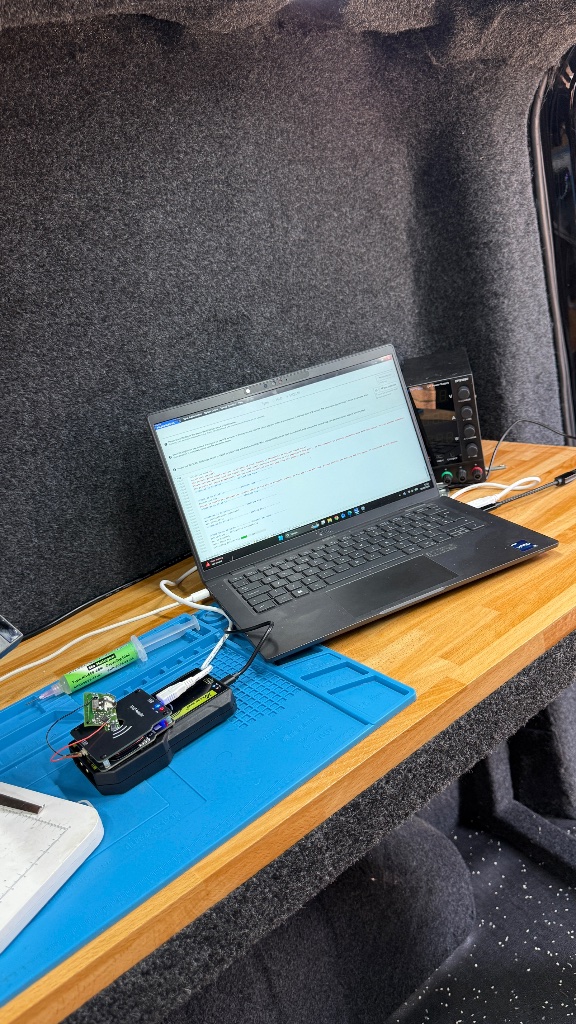
The jobs below are genuine KeyLogik work involving the immobiliser and security modules that control key authorisation. They are spare-key programming jobs rather than Key Not Detected repairs — but they demonstrate KeyLogik's experience working directly with these systems.
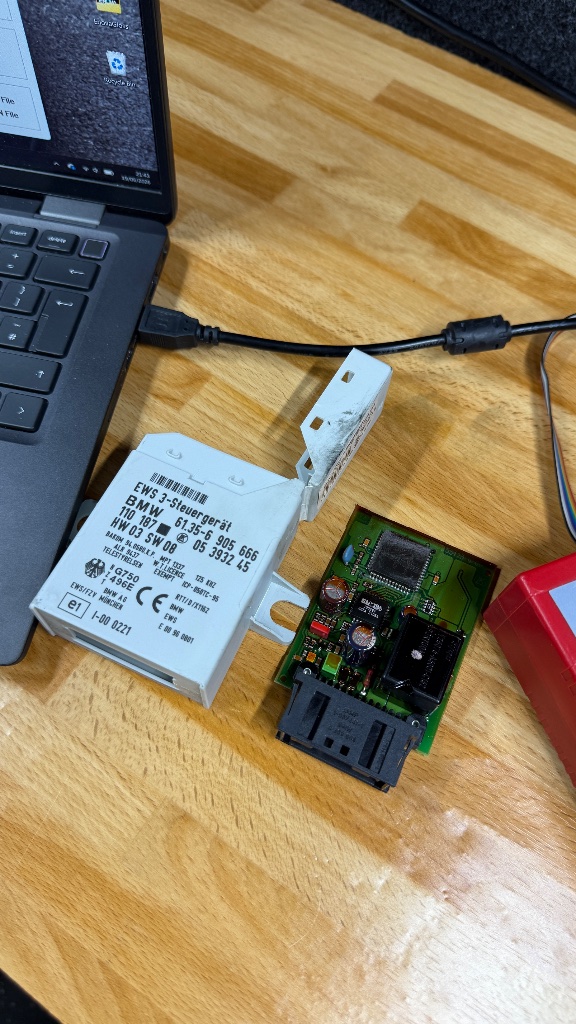
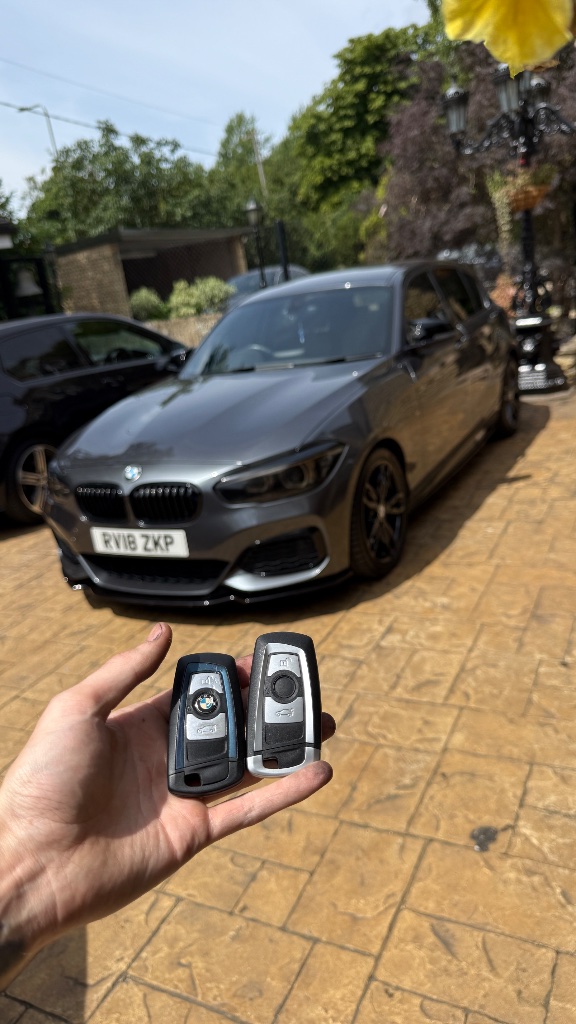
BMW E46 EWS Spare-Key Programming
This vehicle was not diagnosed for a Key Not Detected fault. It is a genuine example of KeyLogik working directly with the BMW EWS immobiliser and key-authorisation system during spare-key programming in Wantage, Oxfordshire.
Read the full case study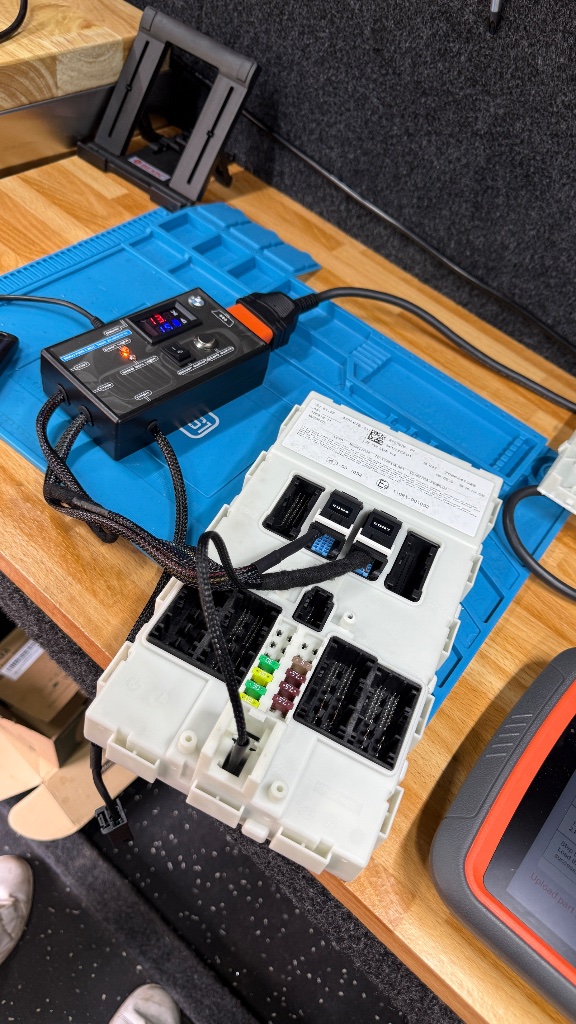
BMW M140i FEM Key Programming
This was also a spare-key job rather than a Key Not Detected repair. The BMW FEM participates in key and vehicle-security functions, and this genuine Abingdon job demonstrates KeyLogik's experience working with this type of system during key programming.
Read the full case studySee more genuine work on our Our Work page.
Key Not Detected in Oxfordshire?
KeyLogik is a mobile auto locksmith primarily serving Oxfordshire and surrounding counties, including Berkshire, Buckinghamshire, Wiltshire, Hampshire, Surrey, Bedfordshire and Northamptonshire.
We regularly attend customers in Oxford, Didcot, Banbury and Bicester, as well as the wider region. If your car is saying "Key Not Detected" and you need help, send us your vehicle details and we can check whether we currently support your make and model.